
English
English
Talk to sales
Calendly logo
  • Product
  • Solutions
  • Resources
  • Pricing
  • Log InLog InLog In
  • Sign up free
  • Log InLog InLog In
  • Sign up free
Product
Scheduling
Simplified booking
Notetaker
Meeting recaps and action items
Payments
Flexible ways to get paid
Product overview
Why choose Calendly
Platform
Integrations
Mobile app
Browser extension
Admin controls
Security
By business size
Individuals
For solopreneurs
Small business
For growing businesses
Large companies
For enterprise
By team
By industry
Sales
Marketing
Customer success
Recruiting
Education
Technology
Financial Services
Professional Services
Get started
Discover
Support
Learning hub
Structured paths and guides
Developer docs
Build with Calendly API
Product tour
See Calendly in action
Blog
Tips and best practices
Ebooks & webinars
Expert insights
About us
Discover our mission
What's new
Product updates
Customer stories
Calendly success stories
Newsroom
Company news and press
Help center
Search articles and FAQs
Community
Connect with other users
Contact us
Connect with support
Blog
SchedulingMeetingsGrowth & ProductivityCompany & ProductRelationship Management
Best practices
Compare Calendly
Consulting & professional services
Customer success
Education & nonprofit
Entrepreneurs & small business
How to use Calendly
Integrations
Large businesses & enterprises
Product updates
Recruiting
Sales & marketing
Templates

Scheduling

Learn how to make scheduling meetings quick and easy for your customers and clients.

[Blog hero] How to share your Calendly scheduling link
Scheduling

How to share your Calendly scheduling link

Learn how to share your Calendly link so people can start scheduling with you.

How to use Calendly
[Blog hero] Meeting packages
Scheduling

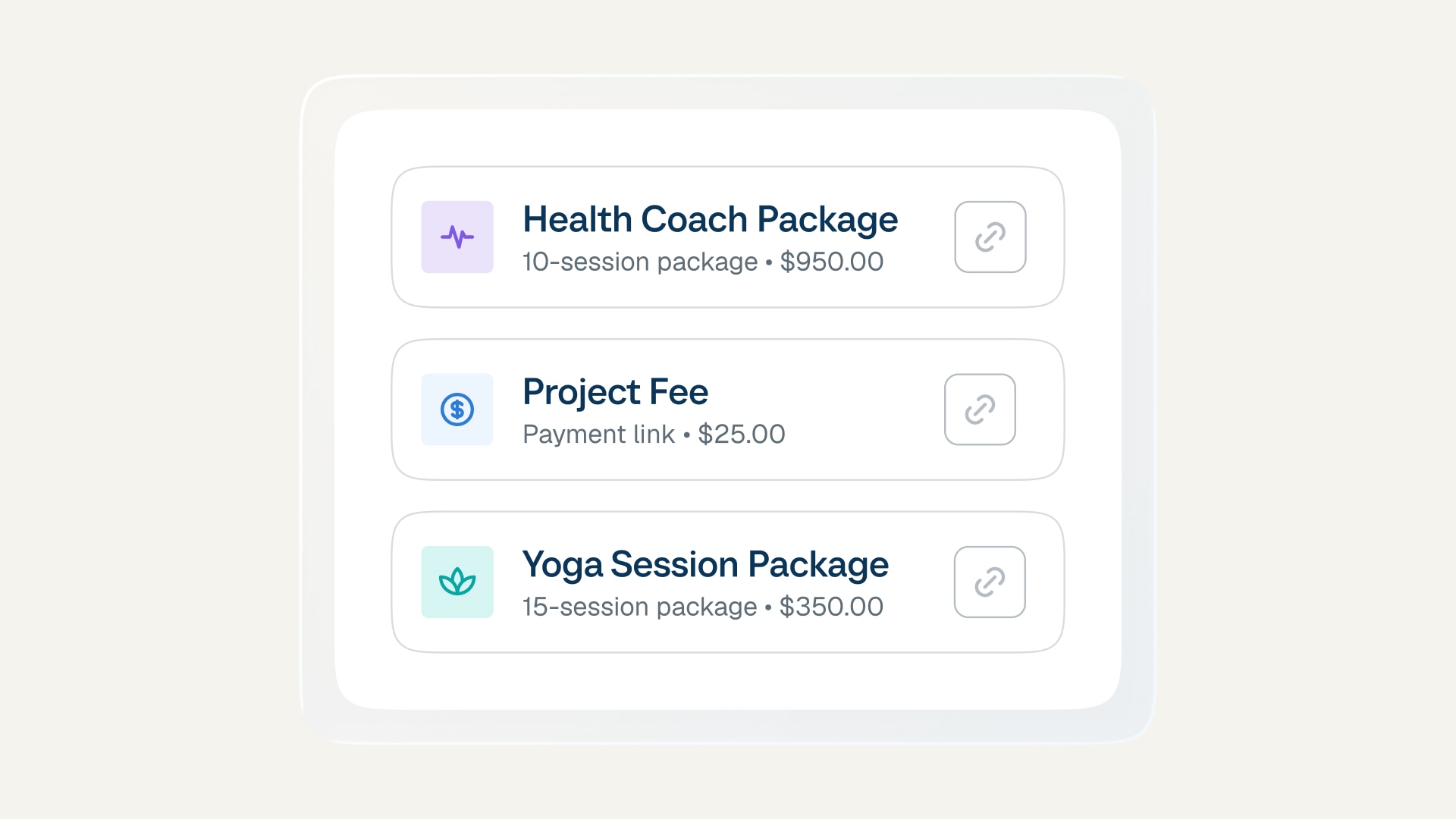
Meeting packages: Turn one-time clients into loyal regulars

Sell more, simplify your workflow, and keep clients coming back with multi-session bundles.

Consulting & professional services
How to use Calendly
[Blog hero] How to add payments to your Calendly booking page and charge clients upfront
Scheduling

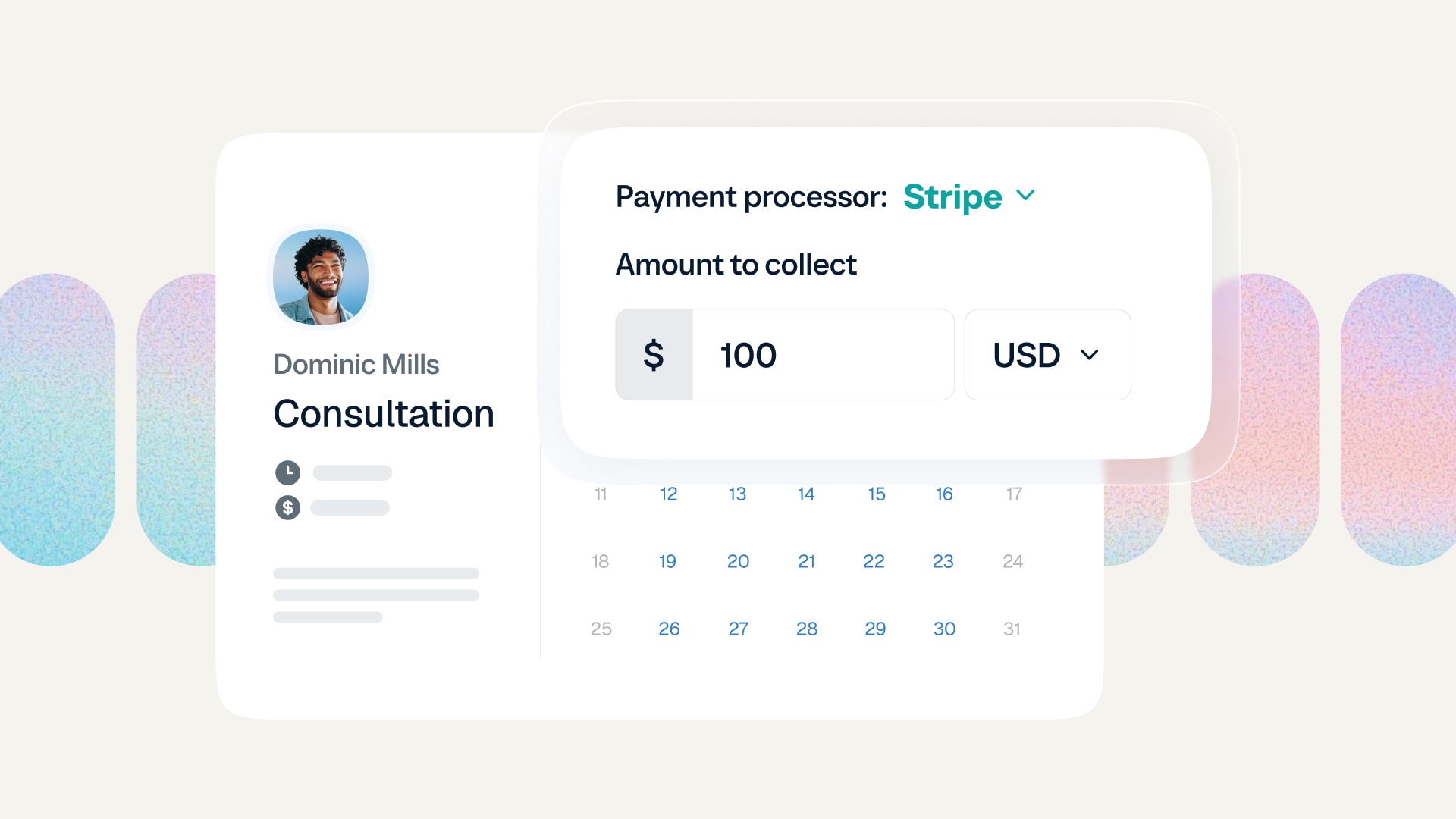
How to add payments to your Calendly booking page

Learn how to set up payments and charge upfront for Calendly meetings and appointments.

How to use Calendly
Consulting & professional services
[Blog hero] How to share your Calendly scheduling link
Scheduling

How to share your Calendly scheduling link

Learn how to share your Calendly link so people can start scheduling with you.

How to use Calendly
[Blog hero] How to send a calendar invite
Scheduling

How to send a calendar invite with Calendly

Learn three easy ways to invite people to book with you via Calendly.

How to use Calendly
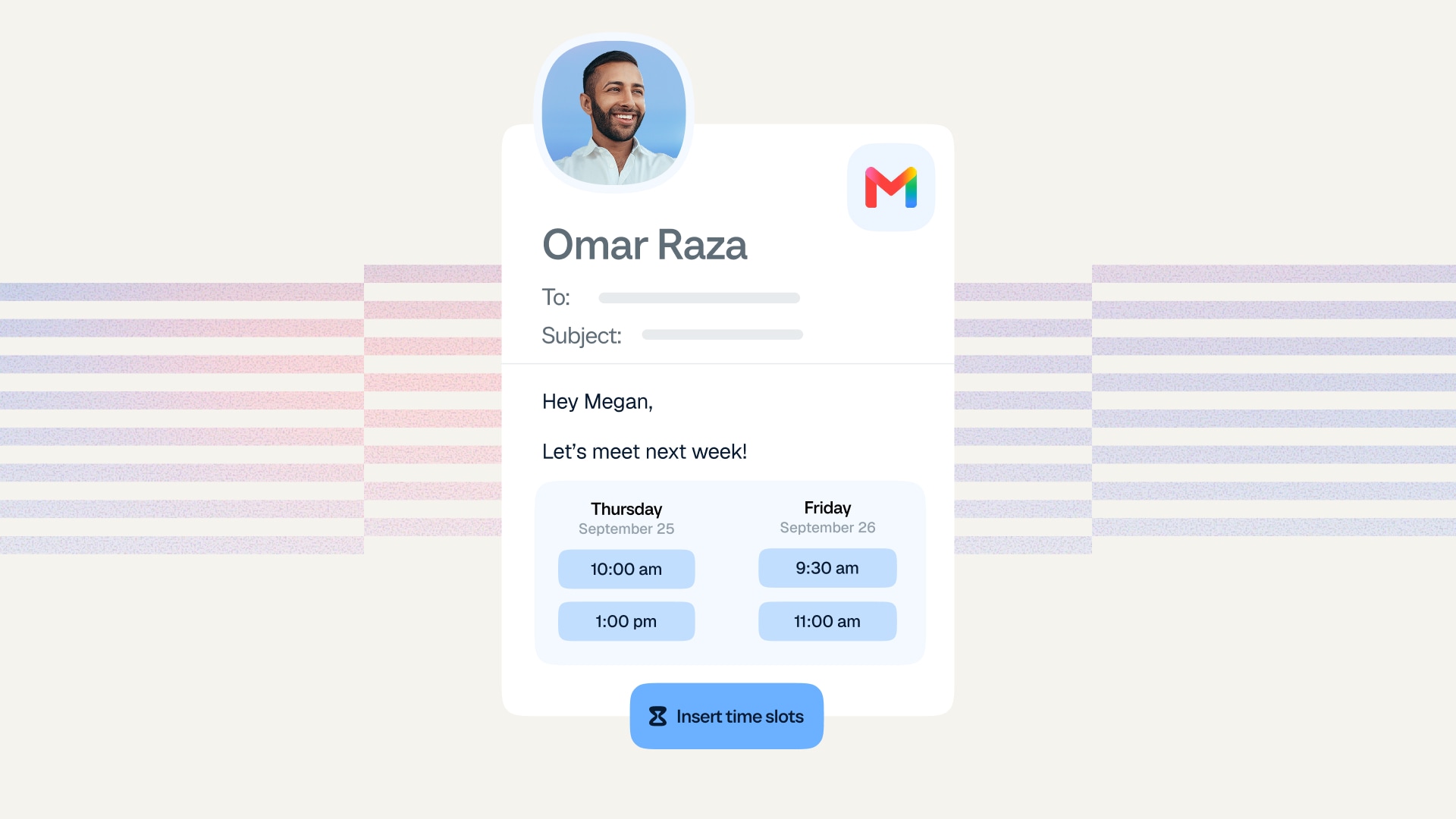
[Blog hero] How to share your availability
Scheduling

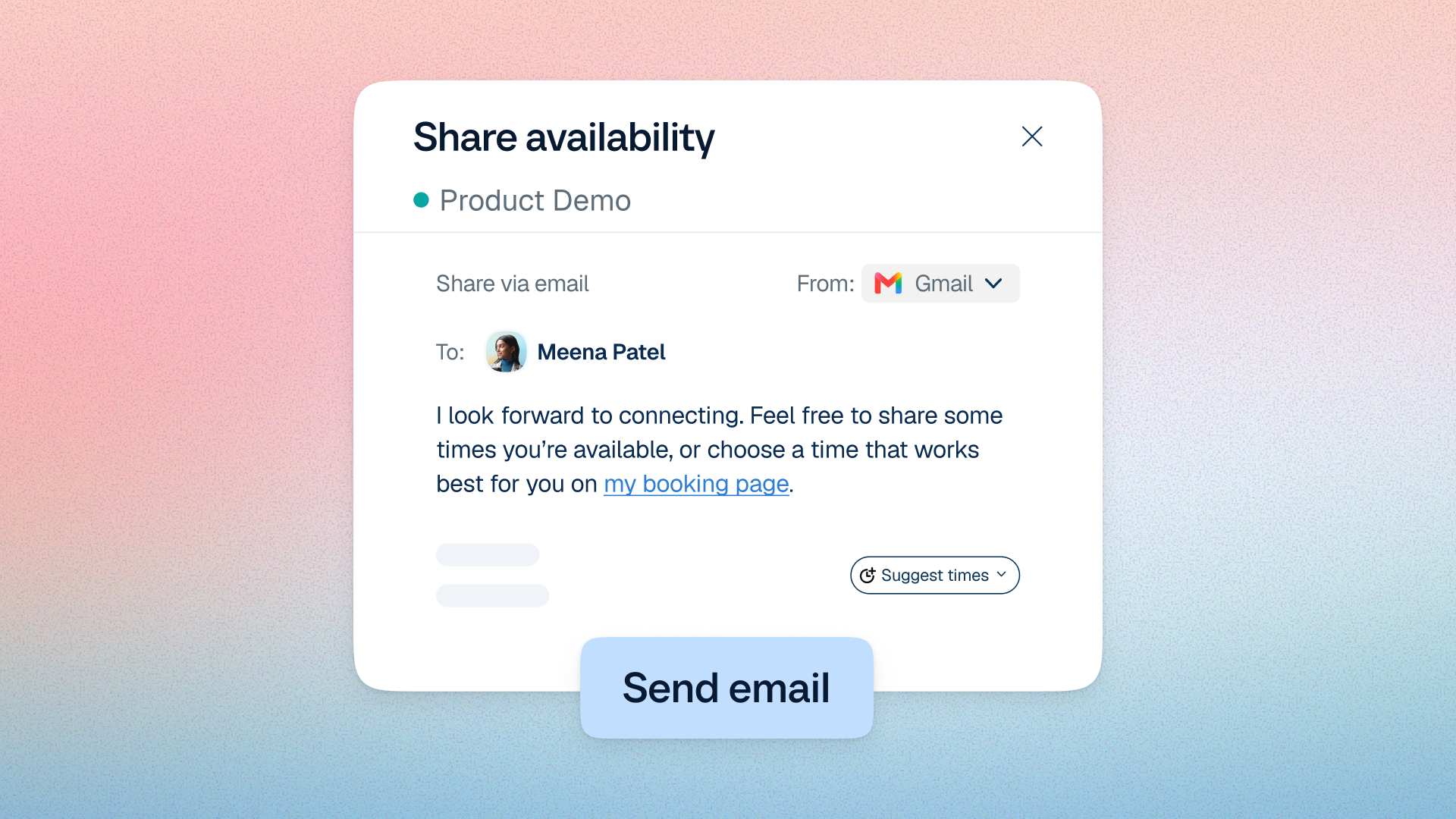
How to share your availability with Calendly

From booking links to website embeds, learn how to share your availability for easier scheduling.

How to use Calendly
[Blog hero] Meeting invitation emails
Scheduling

How to add your calendar availability directly to any email

Add clickable time slots to your emails for faster, easier scheduling.

How to use Calendly
[Blog hero] Send from Calendly
Scheduling

More bookings, less follow-up — with emails sent right from Calendly

Share your booking link, booking reminders, and reschedule requests right from Calendly.

How to use Calendly

[Blog hero] Single-use links
Scheduling

Single-use links: Protect your availability with one-time scheduling

Create and share one-time Calendly links that expire after use to protect your time.

How to use Calendly

[Blog hero] How to set your availability
Scheduling

Set your availability so no one can book you at the wrong time

Learn how to set up availability with Calendly — no more double bookings or last-minute meetings.

How to use Calendly

[Blog hero] Calendly vs. TidyCal
Scheduling

Calendly vs. TidyCal: Which scheduling tool is right for your small business?

Choose the scheduling tool that’ll help you save time and create a great client experience.

Compare Calendly

[Blog hero] How to share your Outlook calendar
Scheduling

How to share your Microsoft Outlook calendar (Step-by-step guide)

Share your Outlook calendar for easier scheduling and better collaboration.

Best practices
How-to-share-a-Google-calendar_hero image
Scheduling

How to share your Google Calendar (Step-by-step guide)

Learn how to share your calendar and events, plus tips for easier GCal scheduling.

Product
  • Scheduling automation
  • Meeting Notetaker
  • Payments
  • Customizable availability
  • Mobile apps
  • Browser extensions
  • Meeting routing
  • Event Types
  • Email & website embeds
  • Reminders & follow-ups
  • Meeting polls
  • Analytics
  • Admin management
Integrations
  • Google ecosystem
  • Microsoft ecosystem
  • Calendars
  • Video conferencing
  • Payment processors
  • Sales & CRM
  • Recruiting & ATS
  • Email messaging
  • Embed Calendly
  • Analytics
  • API & connectors
  • Security & compliance
Calendly
  • Pricing
  • Product overview
  • Solutions
  • For individuals
  • For small businesses
  • For large companies
  • Compare
  • Security
  • Sign up for free
  • Talk to sales
  • Get a demo
Resources
  • Help center
  • Resource center
  • Blog
  • Customer stories
  • Calendly community
  • Developer tools
  • Release notes
Company
  • About us
  • Leadership
  • Careers
    We’re hiring!
  • Newsroom
  • Become a partner
  • Contact us
Downloads
App StoreGoogle PlayChrome extensionEdge extensionFirefox extensionSafari extensionOutlook add-in
English
English
Privacy PolicyLegalStatus
Copyright Calendly